How Second-Screen Multitasking Apps Are Reshaping Productivity Habits for People Who Work From Home Full Time
Chris Martinez
09/18/2026
4 min read
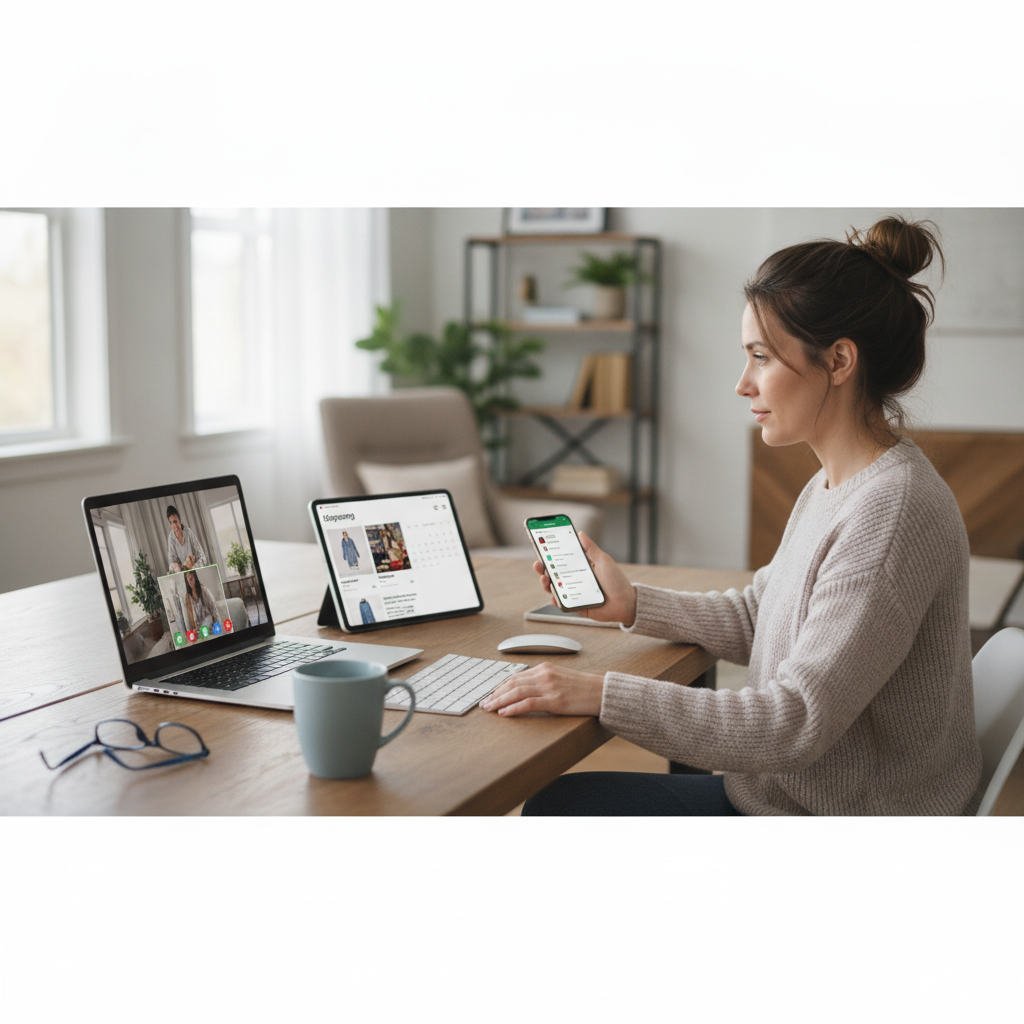
The boundary between focused work and scattered attention has always been thin, but for full-time remote workers, second-screen multitasking apps have quietly redrawn that line in ways that are proving both practical and complex. What began as a workaround for professionals juggling video calls and spreadsheets has evolved into a structured approach to managing cognitive load throughout the workday. These tools are no longer novelties — they're becoming a defining feature of how people design their home office routines.
The Shift Toward Deliberate Dual-Screen Workflows
For years, the second monitor sat on desks primarily as a convenience — a place to park email while working in a main application. What's changed is the software layer on top. Apps like Mango Display, Duet Display, and Sidecar for Apple users have turned secondary screens into intentional workspace zones rather than digital overflow bins. Remote workers are now organizing their displays around task categories rather than open windows, which represents a meaningful shift in how daily work is mentally structured. The result is a workflow that feels less reactive and more composed.
How Task Segmentation Across Screens Reduces Mental Fatigue
One of the more underappreciated benefits of second-screen multitasking apps is how they encourage task segmentation — the practice of keeping distinct types of work visually separated. When communication tools like Slack or Microsoft Teams live permanently on one screen while deep work occupies the other, the brain receives clearer contextual cues about what kind of thinking is required at any given moment. Cognitive switching, which drains energy significantly over the course of a full day, becomes less frequent when each screen has a defined purpose. Remote workers who adopt this kind of spatial discipline often report feeling less depleted by mid-afternoon.
The Role of Focus Timers and Ambient Apps in the Second-Screen Ecosystem
Beyond display management, a growing category of companion apps has emerged specifically for the second screen — tools designed not to hold more work, but to support the quality of attention given to work on the primary display. Apps like Flow and Be Focused allow users to run visible Pomodoro timers on a secondary monitor, keeping awareness of time without cluttering the main workspace. Some remote workers pair these with ambient soundscape apps such as Brain.fm, using the second screen as an environmental control panel. This turns the secondary display into something closer to a personal workspace manager than a simple overflow screen.
When More Screens Create More Distraction, Not Less
The productivity benefits of second-screen setups are real, but they come with a meaningful caveat: without intentional app configuration, a second screen can just as easily become a distraction engine. Social media dashboards, perpetually open news feeds, and non-work notifications on an unmanaged display chip away at the deep focus that remote work demands. Research into attention patterns consistently shows that visible, unread notifications reduce task performance even when the person doesn't consciously engage with them. The apps that appear most effective for remote workers are those that include notification controls and focus-mode features, not just display extension capabilities.
How Remote Workers Are Personalizing Their Setups Around Peak Hours
Perhaps the most interesting behavioral shift emerging from second-screen multitasking app adoption is the way remote workers are using data from these tools to align their screen configurations with their personal energy rhythms. Some apps now track which windows receive the most interaction and at what times, giving users a clearer picture of their natural focus cycles. A remote worker might configure their second screen to display only passive reference material in the morning — when deep work is easiest — and shift it to active communication tools in the afternoon. This kind of intentional rhythm-matching was previously the domain of productivity consultants; now it's built into the software itself.
Building a Second-Screen Setup That Actually Works for You
If you're a full-time remote worker thinking about integrating a second-screen multitasking app into your routine, starting with a single clear rule makes the biggest difference: each screen should have one dominant purpose at any given time. Begin by identifying which type of task takes the most out of you mentally — for most people, that's focused writing, deep analysis, or complex problem-solving — and protect your primary screen for exactly that. Use a tool like Duet Display or Mango Display to configure your secondary screen around support tasks: reference documents, a running task list, or a focus timer. Give the setup two full weeks before evaluating it, since the brain takes time to associate spatial zones with specific mental modes. Resist the temptation to add more apps before the core habit is established — simplicity is what makes the system sustainable.
Second-screen multitasking apps represent more than a hardware upgrade or a software trend — they reflect a broader shift in how remote workers are taking ownership of their attention as a resource worth protecting. When used with intention, these tools help create the kind of structured, distraction-aware environment that an open-plan office once made nearly impossible and that a home setting can finally provide. The workers who benefit most are those who treat their screen layout as deliberately as they treat their calendar.