How Cross-Device Clipboard Sync Tools Are Quietly Eliminating the Friction Between Mobile Discovery and Desktop Checkout
Chris Martinez
10/19/2026
5 min read
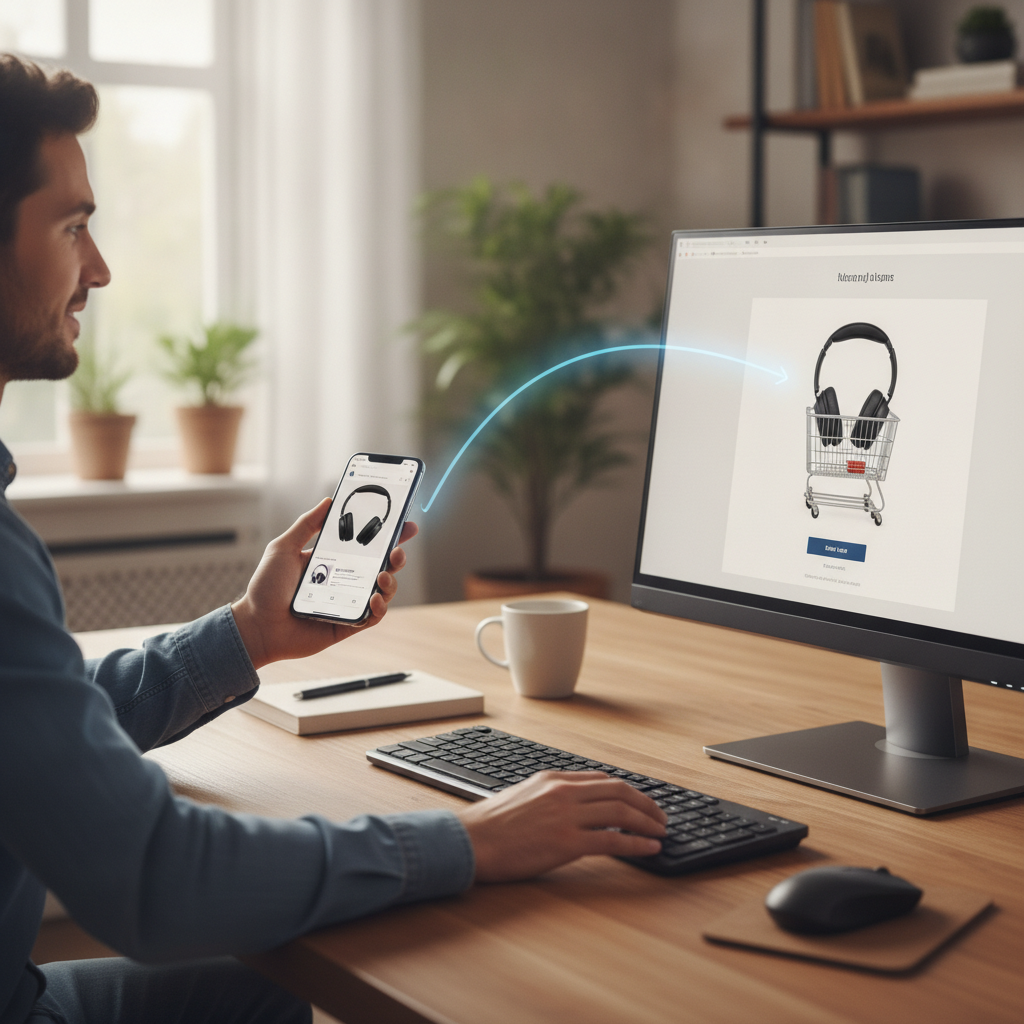
Shopping behavior has split across two very different screens, and the gap between them costs people time, money, and deals they never quite get back to. Most purchases begin on a phone — a product spotted in an Instagram reel, a link shared in a group chat, a flash sale notification tapped open during a commute — but the actual checkout happens later, on a laptop, where typing is easier and payment details are already saved. What falls through the crack is everything in between: the URLs never copied, the product names forgotten, the discount codes that expired before the tab was ever opened.
The Invisible Friction Costing Shoppers Real Deals
The problem isn't that people are indecisive. It's that the tools most people use to bridge their devices were never designed with shopping in mind. Screenshotting a product page and hoping to remember it later is a workaround, not a solution. Emailing yourself a link feels awkward, and shared notes apps require opening another app, navigating to the right folder, and manually pasting. Every extra step creates an opportunity to abandon the thought entirely. For deal-conscious shoppers, this friction doesn't just create mild inconvenience — it means missing limited-time pricing and restocked inventory windows that won't hold.
What Clipboard Sync Tools Actually Do
Cross-device clipboard sync tools work by creating a shared clipboard environment across a user's connected devices, so anything copied on a phone appears automatically on a desktop within seconds. Apple's Universal Clipboard, built into the macOS and iOS ecosystem, was one of the earliest mainstream implementations of this concept. It allows users to copy text, links, or images on an iPhone and paste them directly into a Mac without any additional steps. Google's Gboard and the Android clipboard sync features available through Chrome on Chromebooks work similarly within the Android and Chrome OS pairing. Third-party tools like Pushbullet and Microsoft's Phone Link extend this functionality across mixed device ecosystems, making it available even when someone's phone and computer run different operating systems.
Why Discount Codes Are the Clearest Use Case
Of all the things a shopper might want to move from one screen to another, discount codes sit at the top of the list. They're typically found through mobile apps — loyalty reward notifications, brand SMS campaigns, cashback platforms like Rakuten or Honey's mobile interface — but they need to be entered at checkout, which almost always happens on desktop. Without clipboard sync, the most common approach is to screenshot the code and retype it manually, a process that introduces typos and adds friction. With sync enabled, copying a code on a phone and pasting it into a desktop browser at checkout becomes nearly instantaneous. For anyone who shops across platforms regularly, this alone makes the setup worthwhile.
How Synced Browsing Contexts Are Taking This Further
Clipboard sync is increasingly just one layer of a broader cross-device continuity stack. Browsers like Chrome and Safari now offer tab handoff features that let users send an open page from their phone directly to their desktop browser, with the scroll position preserved. Combine that with clipboard sync and the experience starts to feel genuinely seamless. A shopper can browse a product page on mobile, tap to send the tab to desktop, and arrive at the checkout page with the discount code already waiting in their clipboard. Tools like Microsoft Edge's cross-device collections feature extend this further by letting users organize product links into shareable groups, which sync across devices without requiring any copy-paste step at all.
Setting This Up Without Getting Lost in the Technical Details
For most people, the fastest entry point is whatever ecosystem they're already in. If you use an iPhone and a Mac, Universal Clipboard is already active as long as both devices are signed into the same Apple ID and have Bluetooth and Wi-Fi enabled. There's nothing to download. If you're on Android and Windows, enabling clipboard sync through the Phone Link app from Microsoft, available in the Play Store, connects both devices and surfaces your phone's clipboard on your PC in real time. For cross-platform situations — an Android phone paired with a Mac, for example — Pushbullet remains one of the cleanest free options, letting you push clipboard content, links, and notes between devices through a lightweight browser extension and mobile app. Spend ten minutes on setup once, and the friction disappears going forward.
What the Next Generation of These Tools Is Already Doing
The direction these tools are heading points toward something closer to ambient continuity — a state where the device boundary becomes essentially invisible during a shopping session. Clipboard sync is becoming contextually aware, with some tools beginning to recognize when copied content is a product URL versus a plain block of text and responding accordingly, surfacing the product's current price or flagging whether a discount code has already expired. AI layers built into platforms like Samsung's Galaxy AI suite are starting to suggest actions when shopping-related content is detected on the clipboard, such as opening a price comparison or saving the item to a wishlist. As more of the discovery process moves to short-form video on platforms like TikTok Shop or Instagram, the tools that close the gap between impulse and purchase are going to become the quiet infrastructure holding mobile commerce together.
The friction between discovering a product on one screen and buying it on another has always been a silent tax on smart shopping. Clipboard sync tools don't ask for much — a few minutes of setup, a small shift in habit — and what they return is a shopping workflow that finally matches how people actually browse. The deals are still out there. The gap between finding them and keeping them is just getting a lot smaller.
More Trending Articles
How AI-Powered Return Prediction Features Inside Shopping Apps Are Helping Buyers Avoid Items They're Statistically Likely to Send Back
Jennifer Walsh
10/30/2026